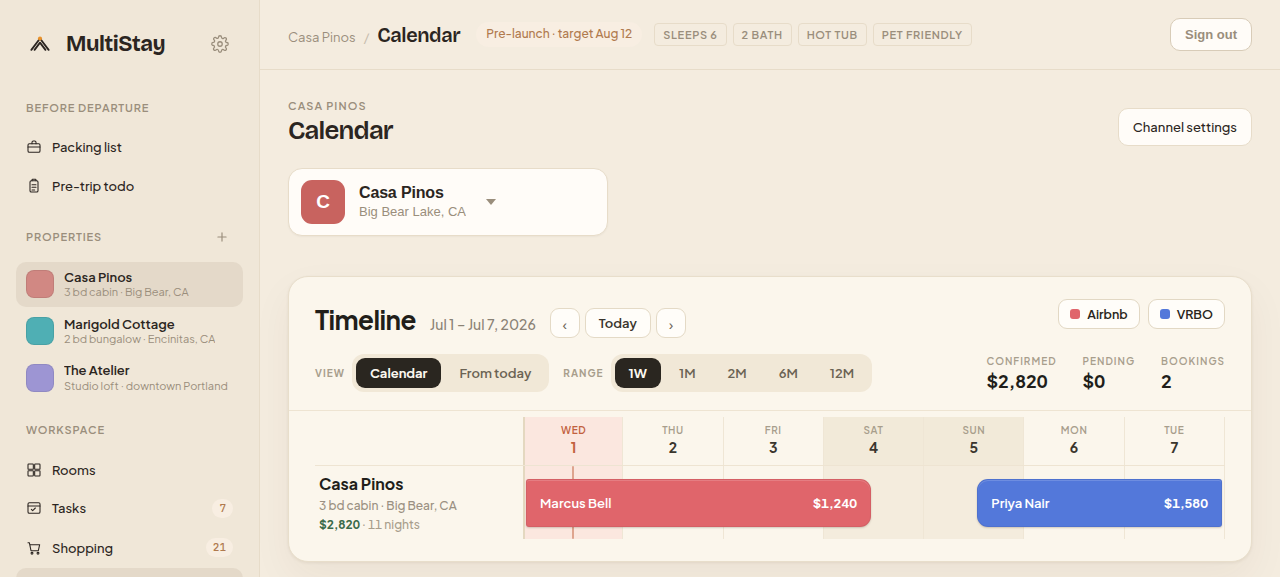
Airbnb, Vrbo and Booking.com reservations land on a single colour-coded month view — synced live, scoped per property. Stop cross-checking three dashboards to know who arrives Friday.
Each channel keeps its own calendar. MultiStay pulls them together so a booking made anywhere shows up everywhere — instantly.
Bookings, rates and cancellations flow in from Airbnb, Vrbo and Booking.com automatically — no manual imports, no stale iCal.
A stay confirmed on one channel blocks the dates on the rest. Availability stays consistent across every listing you run.
Each home reads at a glance on the month grid — arrivals, departures and mid-stay days are obvious without opening a single reservation.
Page forward and back through months without losing the thread. Turnover gaps and back-to-back checkouts jump out early.
Flip between homes from the top-of-page switcher — or view them together. The calendar re-scopes the moment you pick.
Unbooked nights surface their channel price right on the grid, so you can spot the gaps worth filling at a glance.
A booking on the calendar isn't a dead entry — it's the thread that ties a stay together. Open it and the guest conversation, cleaning turnover and access details are all one click away.
Airbnb, Vrbo and Booking.com, connected directly. Bookings, rates and messages move in real time.
In real time. When a channel confirms a reservation, MultiStay receives it and blocks the dates across your other listings automatically.
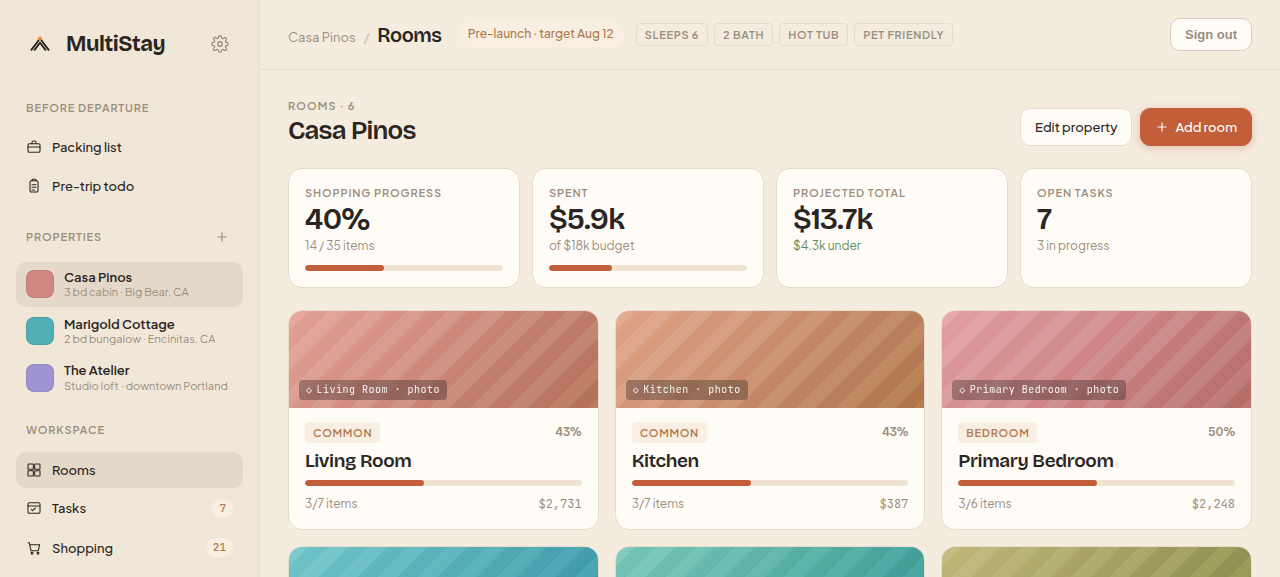
Yes — that's the point. Switch between homes from the property switcher, or view the whole portfolio together. Every tool re-scopes to the property you pick.
Far less often. Day-to-day calendar, messaging and turnovers live in MultiStay; you only visit a channel for the things that are channel-specific.
Connect your first property in minutes — no card, no lock-in.